
Telegram Notification
Receive instant notifications on Telegram for important admin events like new deposits, withdrawals, support tickets, and more.
Configuration
Section titled “Configuration”To receive Telegram notifications, you need to configure our Telegram Bot.
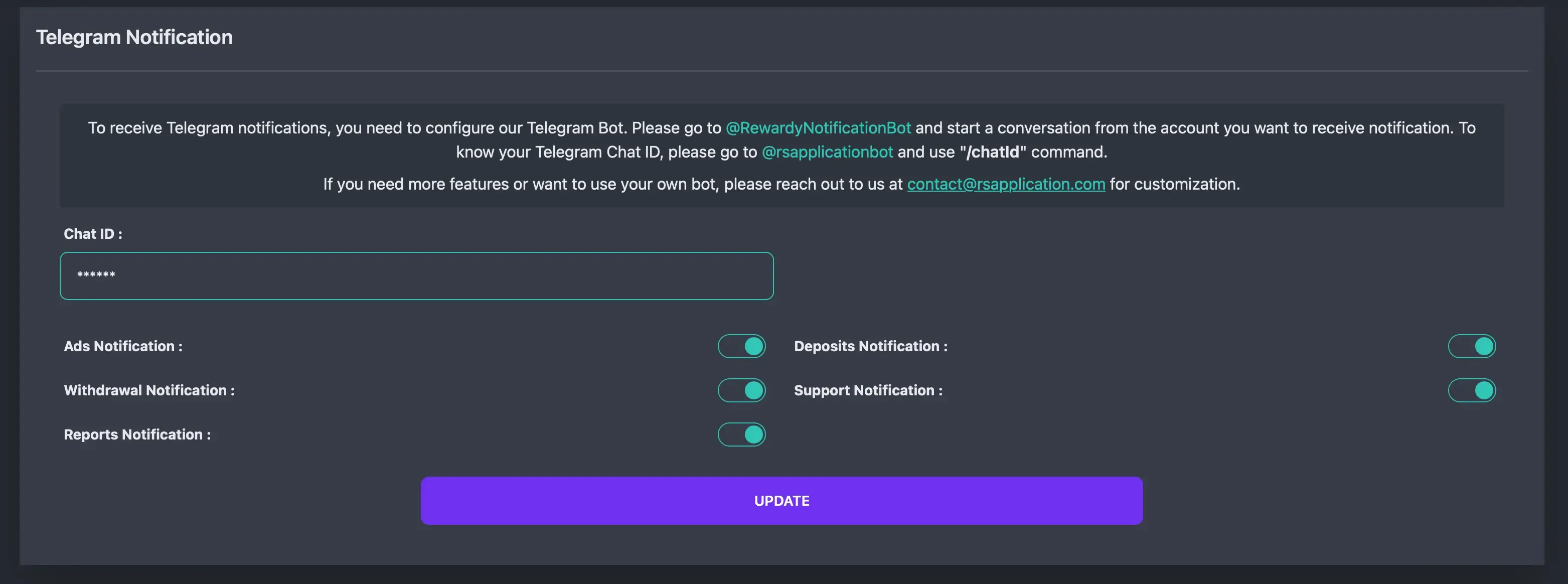
- Start the Bot: Go to @RewardyNotificationBot and start a conversation from the Telegram account where you want to receive notifications.
- Get Chat ID: Go to @rsapplicationbot and send the command
/chatId. It will reply with your unique Chat ID. - Enter Chat ID: Copy the Chat ID and paste it into the Chat ID field in the admin panel.
- Save: Click Update to save your settings.
Notification Types
Section titled “Notification Types”You can toggle specific notifications on or off:
- Ads Notification: Get notified when a new advertisement is created or needs approval.
- Deposits Notification: Get notified when a user makes a new deposit.
- Withdrawal Notification: Get notified when a user requests a withdrawal.
- Support Notification: Get notified when a new support ticket is created or replied to.
- Reports Notification: Get notified when content is reported by users.
Custom Bot
Section titled “Custom Bot”If you need more features or want to use your own custom Telegram bot instead of the default one, please contact us at contact@rsapplication.com for customization services.