
Slide
Manage slides of the app.
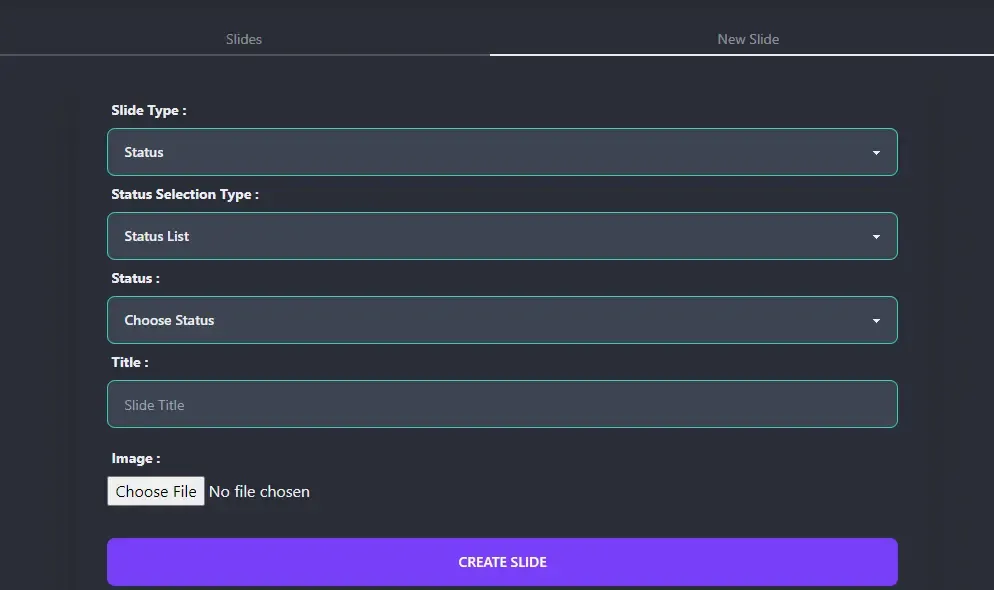
- Slide Type : There are 3 type of slides.
- Status : When clicking on the slide user will be navigated to the status details page.
- Category : When clicking on the slide user will be navigated to the category status page.
- Custom : You can set any custom link. User will get navigated to that link. You can set link as empty, and it’ll behave like a banner.
- Status Type : If you choose slide type as status then you’ll be asked to select a status. You can select by 2 methods.
- Status Code: You can select a status by it’s unique code.
- Status List: You can select a status from the list of all status.
- Title : Status Title.
- Image : Image that will be displayed at the slide section.