
Settings
Settings are dynamic, you can change them at any time.
General Settings
Section titled “General Settings”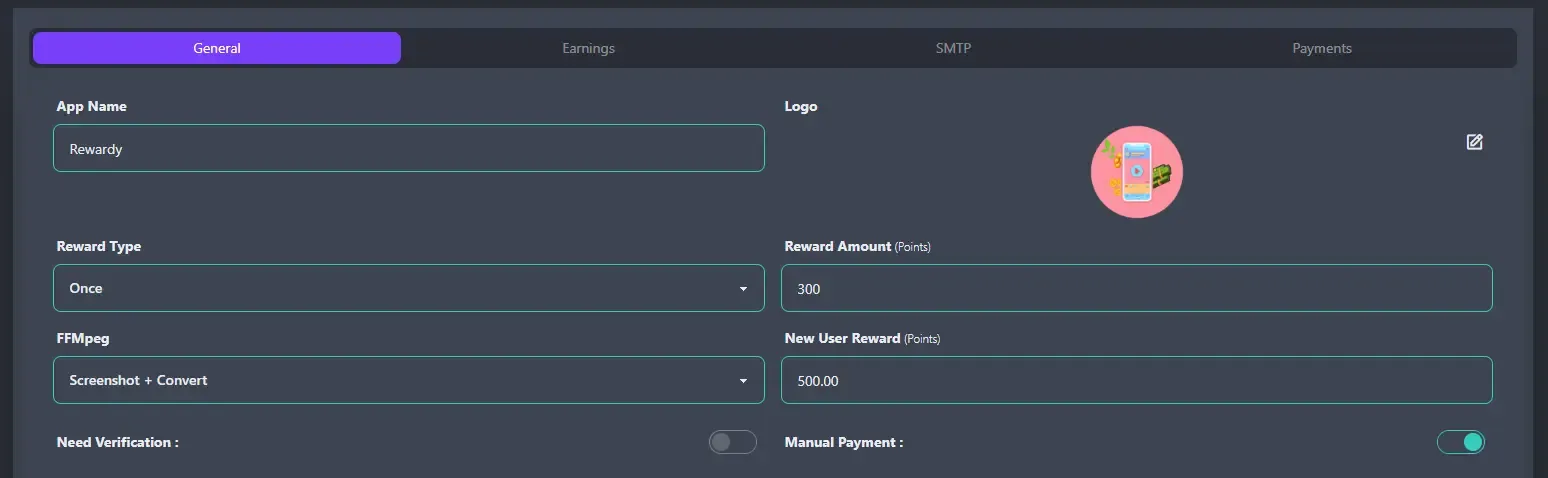
- App Name : App name that shows on header and title.
- Logo : Logo on title and preloader.
- Reward Type : Referral reward type.
- Once : User will get reward only once when the referred user make first withdrawal.
- Lifetime : User will get reward everytime the referred user make a withdrawal.
- Reward Amount : How many points you want to give for referring a user.
- FFMpeg : Settings for FFMPeg for video size compressing. You need FFMPeg installed in your server to use this function.
- Disable : If you don’t have or don’t want to use FFMpeg, you can turn it off. Video size won’t be converted and user needs to provide thumbnail image as mandatory.
- Screenshot Only : You can use it for only generating auto thumbnails from video.
- Screenshot + Convert : It will compress the video size and generate auto thumbnails.
- New User Reward : User will get this points when they first register.
- Need Verification : If you turn it on, every user needs to verify their email. If off then verification won’t be required.
- Manual Payment : You can turn On or Off the manual payment system.
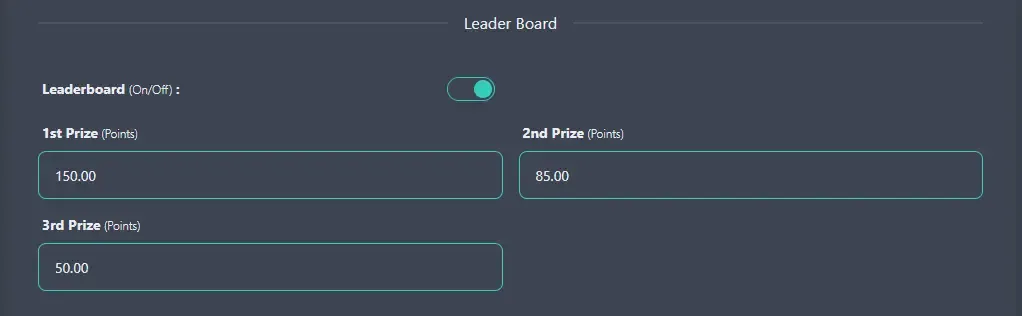
- Leaderboard : You can turn On or Off the leaderboard system.
- 1st Prize : Reward for the 1st place of the leaderboard.
- 2nd Prize : Reward for the 2nd place of the leaderboard.
- 3rd Prize : Reward for the 3rd place of the leaderboard.
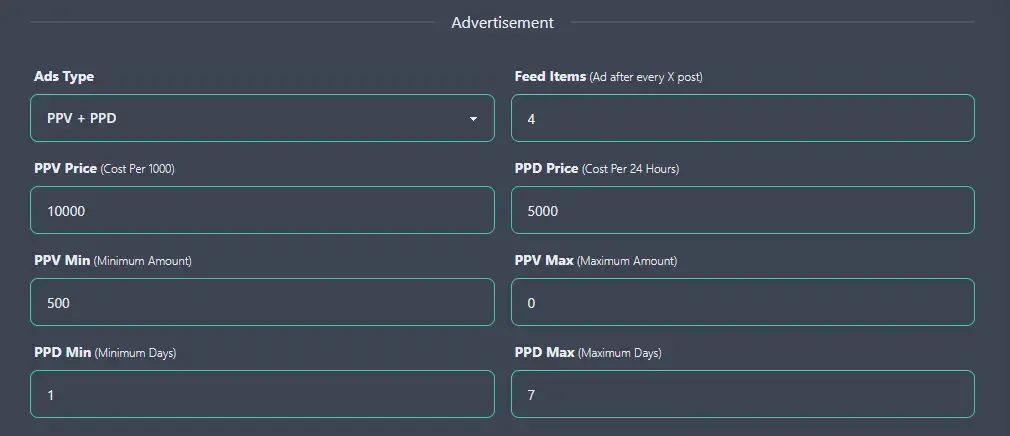
- Ads Type : What kind of ads user can create.
- PPV + PPD : Both Pay Per View and Pay Per Day.
- Pay Per View : Only Pay Per View, where pricing will be based on amount of view.
- Pay Per Day : Only Pay Per Day, where pricing will be based on amount of day.
- Feed Items : Advertisement will show after every X number of posts in the feed.
- PPV Price : User need to pay that amount for every 1000 views he purchases.
- PPD Price : User need to pay that amount for each day he wants to show ads.
- PPV Min : Minimum amount of views user need to purchase.
- PPV Max : Maximum amount of views that user can purchase.
- PPD Min : Minimum amount of days user need to purchase.
- PPD Max : Maximum amount of days that user can purchase.
Status Settings
Section titled “Status Settings”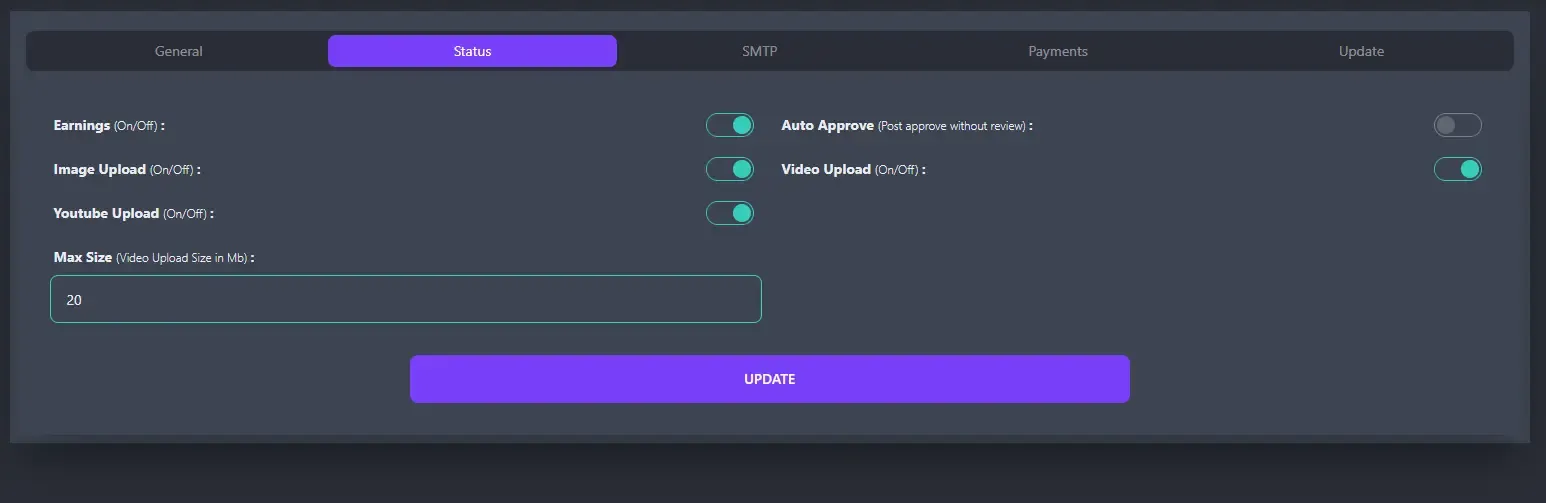
- Earnings : If you turn it Off, no user will get points for their activities.
- Auto Approve : If On then all new post will automatically get approved.
- Image Upload : You can turn On or Off image uploading system.
- Video Upload : You can turn On or Off video uploading system.
- Youtube Upload : You can turn On or Off YouTube uploading system.
- Max Size : Maximum video size that users can upload.
Mail Settings
Section titled “Mail Settings”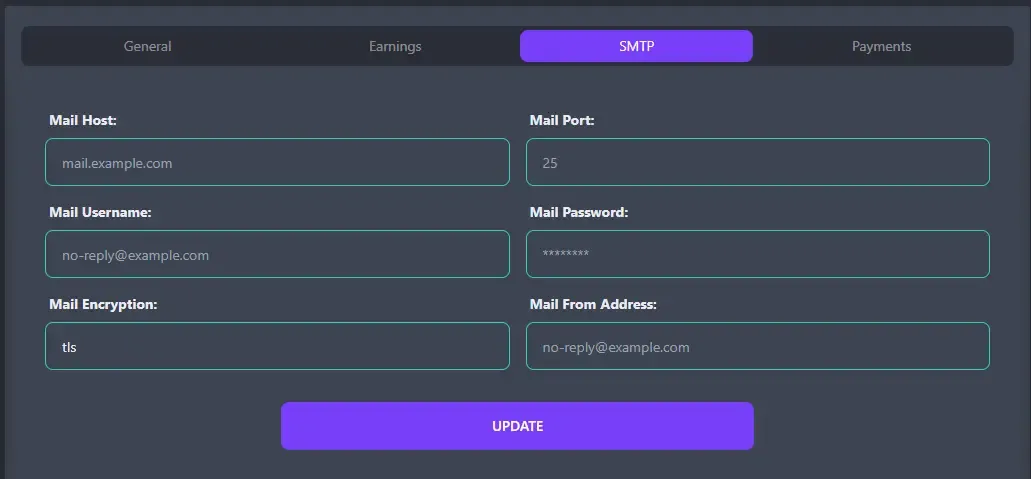
- Mail Host : Your mail server host.
- Mail Port : Your mail server port.
- Mail Username : Your mail username.
- Mail Password : Your mail password.
- Mail Encryption : Your mail encryption.
- Mail From Address : All your mails will be sent from this address.
Payment Settings
Section titled “Payment Settings”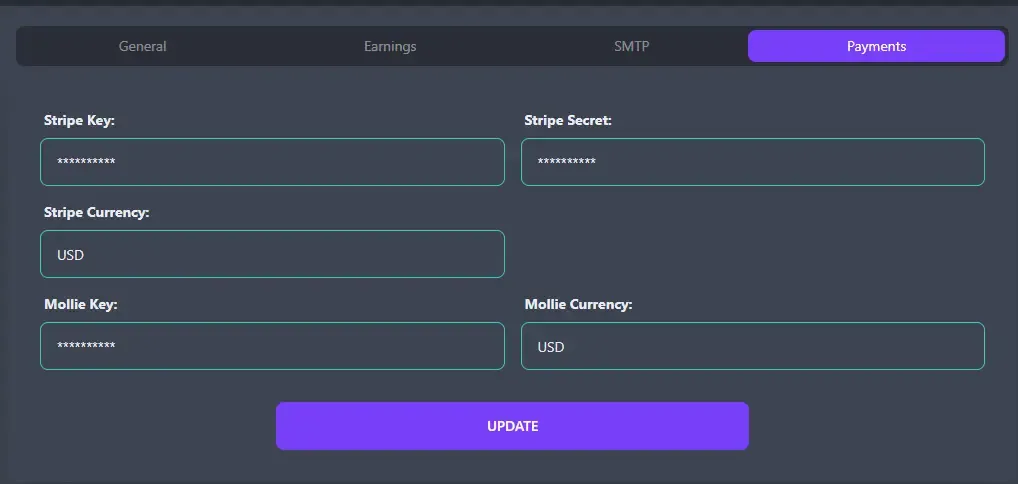
- Stripe Key : Your stripe key.
- Stripe Secret : Your stripe secret.
- Stripe Currency : Your stripe currency.
- Mollie Currency : Your mollie key.
- Mollie Currency : Your mollie currency.
If the mail and payment setting don’t get updated properly from settings then please manually set them. Go to your API root directory on your server and edit .env file and update or add below fields.
-
MAIL_HOST={Your Value}
-
MAIL_PORT={Your Value}
-
MAIL_USERNAME={Your Value}
-
MAIL_PASSWORD={Your Value}
-
MAIL_ENCRYPTION={Your Value}
-
MAIL_FROM_ADDRESS={Your Value}
-
STRIPE_KEY={Your Value}
-
STRIPE_SECRET={Your Value}
-
STRIPE_CURRENCY={Your Value}
-
MOLLIE_KEY={Your Value}
-
MOLLIE_CURRENCY={Your Value}